
Read the Summer '26 release notes as a feature list and you get 822 pages of patches and previews. Read them as a reference-architecture document and you get one statement: the agentic enterprise is now the Salesforce platform's organizing principle. Multi-Agent Orchestration is the composition model. Salesforce Voice on SIP is the new first-party channel. Agentforce Sales Agent for Gemini is the bet that CRM data should be where the seller already lives. Apex user mode by default is the platform's security floor. Salesforce Foundations lead scoring and web tracking is the new mid-market stack baseline. Salesforce Functions is gone. Cross-org integration is moving to named credentials. Slack channels are the default collaboration surface in new orgs.
This article is the architect's lens on Summer '26: not what each feature does, but what each one changes about the reference architecture you take to a customer or maintain inside your enterprise. The release was first published April 20, 2026, sandbox preview started May 2, and GA rolls out in waves starting June 13, 2026. The 7-step sandbox checklist at the end is what to pilot first.
The agent composition model arrives
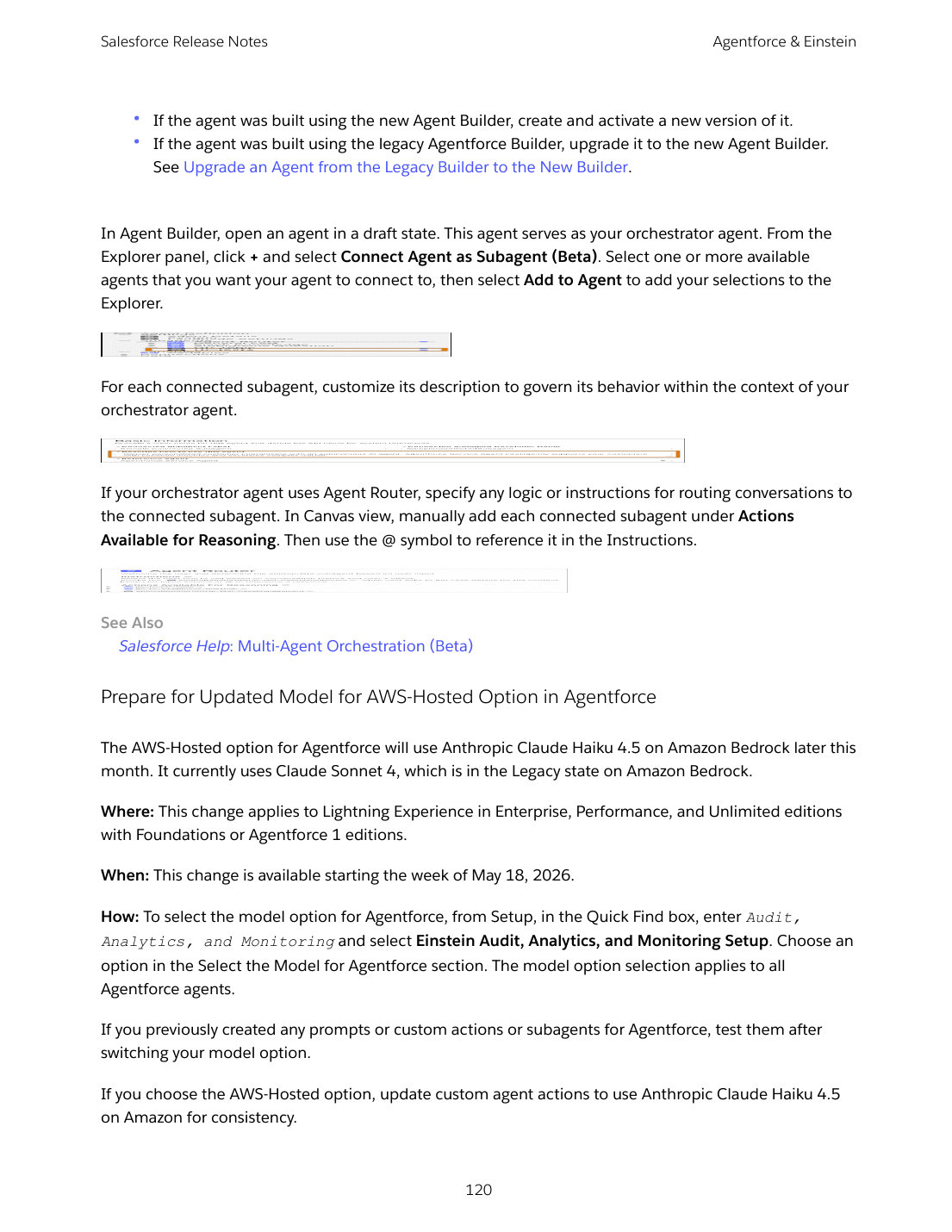
Multi-Agent Orchestration for Agentforce (Beta) is the most architecturally significant change in Summer '26, and the reason it is buried in a Beta tag rather than featured at Dreamforce is that Salesforce wants the pilot data before locking the contract. For architects, the implications are clear regardless of where the beta lands. Until now, an Agentforce agent has been one thing: one set of instructions, one bag of actions, one personality. Multi-Agent Orchestration lets you connect specialized subagents under an orchestrator agent. Each subagent surfaces in Agent Builder via Connect Agent as Subagent, gets a custom description that governs delegation, and shows up as a connected resource the orchestrator can call.
The pattern that mattered for the agentic enterprise was always going to be specialization. A "billing agent" trained on dunning policy, a "shipping agent" connected to the carrier API, a "knowledge agent" wired into Data 360 Enterprise Knowledge — each is more reliable than a single generalist trying to know everything. Multi-Agent Orchestration is how you compose them into a single point of contact for the user. If you have been designing AI surfaces inside Salesforce, this composition primitive replaces your previous "one big agent or many disconnected agents" decision.
The architectural questions you should be answering for FY27 are: which specialized subagents do you build first, how do you govern the descriptions that route between them, and how does observability work when an orchestrator delegates a customer conversation across three subagents. None of those questions have clean Salesforce answers yet. Pilot two real subagents in a sandbox now and you'll have the data your customers won't have until late 2026.
The supporting features matter too. Easily Upgrade Agents from the Legacy Builder to the New Builder lets you move an existing legacy agent to the new Agent Builder and Agent Script with one click, including subagents, actions, and connections. Customize Managed Prompt Templates with Overrides finally solves the package-immutability problem for Prompt Builder templates delivered through managed packages. Manage Agentforce Data Libraries with ADL Connect API (Beta) lets you programmatically provision Data Libraries instead of clicking through the UI. Govern Prompt Response Languages ships allowed-language configuration and runtime language parameters so generated content stays fluent across markets.
The new channels: voice, Gemini, and Slack on every record page
Summer '26 changes what "channel" means in Salesforce architecture. Three landings together rewrite the inventory of customer-facing surfaces.
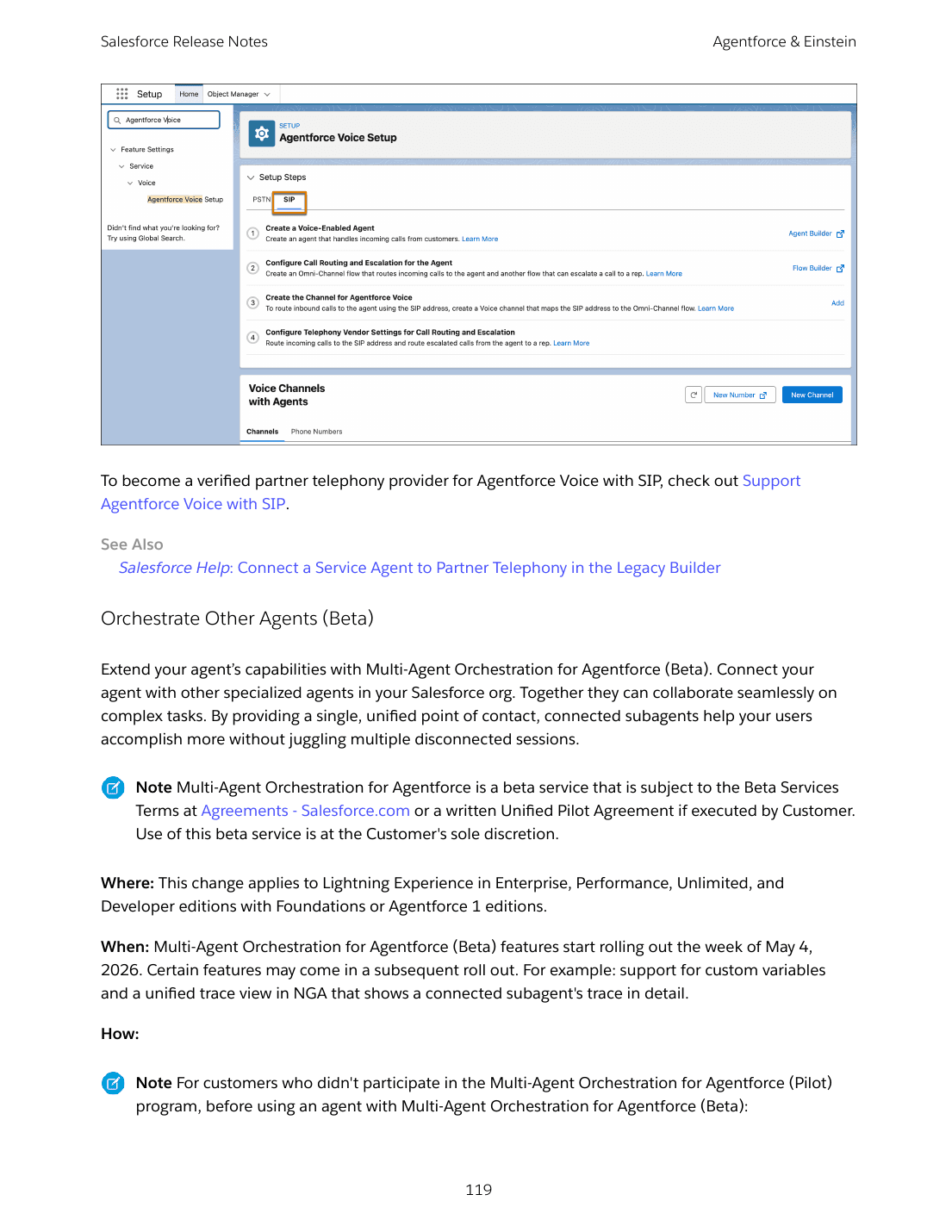
[Salesforce Voice](/terms/salesforce-voice) with SIP is GA. Calls now route to an Agentforce Service agent over Session Initiation Protocol instead of PSTN-only. The full feature parity story (Automatic Session Restoration, SLA-Based Routing, Last Support Rep Routing, Voicemail Drop, headset support across major brands, eleven new IVR regional dialects, Effortless Voice Number Porting) lands in the same release. For architects designing contact centers, "Salesforce Voice on SIP with Agentforce Service" is now the credible reference architecture for voice on Salesforce. Voice is no longer an integration choice; it is a first-party channel routed through Omni-Channel with the same sharing, reporting, and presence model as case and messaging.
Agentforce Sales Agent for Gemini (Beta) is the surface bet. Sellers research leads, build account plans, and update Salesforce records inside Google Gemini, with live CRM data flowing through secure Salesforce APIs. It is the first time a major CRM has put a CRM-native agent inside another vendor's chat experience as a first-class beta. The architectural question is real: if your sellers live in Gemini, what is the role of the standard Salesforce UI in their daily workflow? For data architects, it raises the harder question of which surface owns the system of record when multiple AI experiences can read and write back to Salesforce. There is no clean answer yet. The bet Salesforce is making is that the more places customer-facing agents can read and update CRM data, the more sticky the data becomes.
[Slack](/terms/slack) channels replace Chatter as the default in new orgs. New record pages get a Slack panel for in-record collaboration. Existing orgs are unaffected. For architects sizing a greenfield Salesforce deployment, the canonical place to collaborate on a record is now Slack, not the Chatter feed. Chatter still exists, can be enabled in Setup, and is still required for Case Feed and certain Experience Cloud sites. But its role has shifted from primary collaboration surface to a fallback. If your customer is already on Slack, the architectural decision is whether to enable Slack channels manually in Essentials, Professional, Performance, or Developer editions where the default does not apply.
Security at the floor: user mode by default and AI-driven SecOps
The Summer '26 security story has two pieces. The first is the most consequential default-security change to the platform in years. The second is the first credible AI-assisted SecOps experience integrated into the platform's native audit and threat data.
[Apex](/terms/apex) database operations run in user mode by default. Object-, field-, and record-level security of the running user are enforced on every SOQL query and DML operation. SOQL no longer supports WITH SECURITY_ENFORCED because the enforcement is built in. To preserve old system-mode behavior, code must opt in with as system. For application architects with mature codebases, this is a serious migration. Existing Apex relying on quiet system-mode behavior to bypass permission checks will raise INSUFFICIENT_ACCESS errors after the org is upgraded. Plan the audit now, not in late 2026.
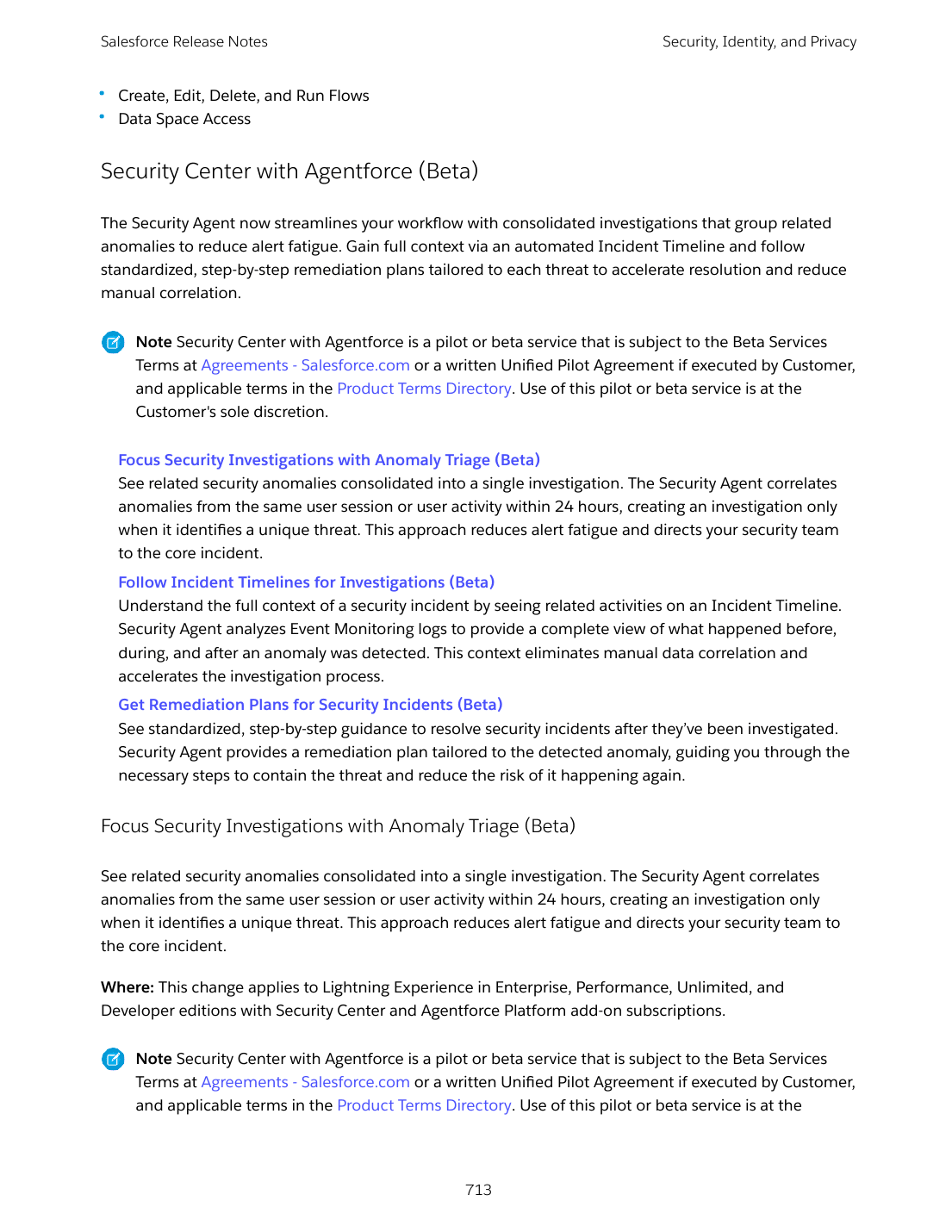
Security Center with Agentforce (Beta) introduces three connected SecOps features starting May 11, 2026. Focus Security Investigations with Anomaly Triage consolidates related security anomalies from the same user session or activity within 24 hours into a single investigation. Follow Incident Timelines for Investigations auto-correlates Event Monitoring data into a chronological timeline of what the user did before, during, and after the anomaly. Get Remediation Plans for Security Incidents generates standardized step-by-step containment actions tailored to the detected anomaly. For architects designing a SOC integration with Salesforce, this is the first feature in years that materially changes the median time-to-respond for an anomaly investigation.
Both changes point in the same direction: Salesforce is treating the platform's security floor as something it needs to raise from "configurable" to "enforced by default" while pulling AI-driven analysis into the audit and threat fabric. The strategic question for architects with security responsibilities is which signals to feed the Security Agent and how to integrate its incident timelines into existing runbooks.
Integration architecture: rethink the layers
Integration architecture gets a coordinated push in Summer '26. Three patterns retire. Two consolidate. The net effect is that the integration patterns you used in 2018 are not the ones you want in 2027.
[Salesforce Functions](/terms/salesforce-functions) is no longer available for purchase or renewal. If your reference architecture for "elastic compute next to Salesforce data" was Functions, the new answer is Heroku, MuleSoft Anypoint, or Apex callouts. Existing customers should review the retirement plan and start migrating workloads now.
Salesforce Connect Cross-Org Adapter supports [named credentials](/terms/named-credential). The SOAP login() call is being retired and OAuth 2.0 password authentication won't be supported in the future. Migrate cross-org adapter external data sources to use named credentials, which is a more robust and secure authentication method that also unifies how you manage credentials across all integrations. SOAP API `login()` Call in SOAP API Versions 31.0 Through 64.0 Is Being Retired in Summer '27. If you have integrations calling SOAP login() directly on old API versions, the time to upgrade to OAuth-based authentication is this year, not next.
Salesforce to Salesforce is being retired in Spring '27. Migrate org-to-org sharing integrations to Partner Cloud, Data 360 One, MuleSoft Anypoint, or MuleSoft for Flow. MuleSoft for Flow: Integration centralizes value-mapping management for translation lookups, improving flow stability with automatic handling of missing values and tracking updates across integrations. Combined with the Use Unlimited MuleSoft Connectors in Segment-Triggered, Activation-Triggered, and Broadcast Flows change, MuleSoft for Flow becomes a more credible integration layer for flows that need to integrate with non-Salesforce systems.
The architectural pattern to set now is: named credentials for everything (including same-org service calls), MuleSoft or Anypoint for orchestration and value mapping, Heroku for elastic compute, and Data 360 One for cross-org data sharing. If your customers' integrations still run on SOAP login(), S2S, or Salesforce Functions, your FY27 backlog has to include a migration plan.
The mid-market stack changes
Salesforce Foundations gains two native marketing features that change reference-architecture decisions for mid-market customers. People Scoring evaluates ICP fit and engagement behavior. Web Tracking captures first-party visitor activity on Marketing Landing Pages and external sites. For customers who needed lead scoring and landing pages but could not justify Marketing Cloud Engagement or Account Engagement pricing, Foundations is now a credible starter. Not a replacement, but a credible starter.
For architects sizing a marketing stack, the calculus changes. The diagonal that Salesforce Foundations covers (lead scoring + landing pages + simple email + Sales Engagement) is wide enough to delay the Marketing Cloud Engagement decision by 12 to 24 months. That delay is real money for mid-market customers and a real architectural pattern shift for the systems integrator that previously assumed Account Engagement was the obvious sale.
Hyperforce, data residency, sovereignty
Salesforce Advanced Cross-Region Continuity lands in the EU with faster recovery times across all available regions. Salesforce B2C Commerce is available on Hyperforce in the US. Several products are newly available on Government Cloud Defense. The trajectory continues to be Hyperforce expansion: more regions, more product coverage, faster recovery.
For architects designing for regulated or sovereignty-sensitive customers, three implications follow. First, the data-residency answers for EU and US workloads now include Hyperforce in more product configurations than they did a year ago. Second, Cross-Region Continuity in the EU changes the disaster-recovery story for customers who could not commit to non-EU recovery sites. Third, Government Cloud Defense expanding product coverage continues to widen what defense and federal customers can deploy without bespoke negotiations. None of these changes alone is dramatic. Aggregated across two or three releases, they amount to Hyperforce becoming the default rather than the alternative for most enterprise customers.
Tableau Next and the data fabric
Tableau Next is positioned as Salesforce's end-to-end agentic analytics experience, integrating Tableau with Agentforce's context-aware AI and the Data 360 semantic layer. Analyze Data Lake Objects in Tableau Next explores DLOs and DMOs directly from Tableau Next workspaces. Tableau Next features release monthly.
The architectural implication is that the Data 360 semantic layer (HDMOs, DLOs, DMOs) is now the unified data fabric Salesforce wants analysts and agents to query. If your reference architecture still puts CRM Analytics or external BI tools as the canonical analytics surface, the long-term direction is Tableau Next on top of Data 360. Plan analytics consolidation accordingly. Enterprise Knowledge for Unified Content (GA April 2026) is the same story for content: harmonize CRM, Marketing, Documentation, and Support content into a clean schema viewable inside the Content Viewer.
The retirement matrix
Summer '26 ships an unusually large set of retirements and release updates. The architect's job is to map each to a migration date and own the cross-cloud impact:
- Salesforce Functions: no new sales or renewals. Migrate workloads to Heroku, MuleSoft, or Apex.
- Salesforce to Salesforce: retired Spring '27. Migrate to Partner Cloud, Data 360 One, MuleSoft Anypoint, or MuleSoft for Flow.
- Lightning Sync: retired April 2027. Migrate to Einstein Activity Capture.
- OAuth 2.0 username-password flow for connected apps: retired Winter '27. Migrate to OAuth 2.0 web-server or client-credentials flow.
- SOAP API `login()` (versions 31-64): retired Summer '27. Upgrade integrations to OAuth.
- Standard Omni-Channel: scheduled for retirement. Migrate routing to Omni-Channel Unified Routing.
- Unified Knowledge: retired Summer '27. Migrate to Salesforce Enterprise Knowledge.
- Salesforce for Outlook: retired December 2027. Migrate to the Outlook integration.
- Own Archive managed package: renewals end May 4, 2026. Migrate to Archive 2.0.
- Legacy Archive: retired February 2, 2027. Migrate to Archive 2.0.
- Update Instanced URLs in API Traffic: enforced Winter '27. Use My Domain login URL.
If you maintain a customer's release-readiness backlog, build the migration timeline now. Most of these retirements have 12-18 month runways, but architects discover (every release) that a single integration buried in an old org costs a quarter to migrate.
Trust-layer deadlines
Three industry-aligned trust changes affect every Salesforce org. They are not optional and they are coordinated across the broader web ecosystem.
TLS certificate lifespans drop to 200 days for new public certificates as of March 15, 2026. CA/Browser Forum phases lifespan to 100 days in 2027 and 47 days in 2029. Salesforce stops posting individual certificate-rotation announcements through the Trailblazer Community on July 6, 2026. mTLS users with certificates from a public CA in the Chrome Trusted Root List must transition to separate certificate hierarchies before March 15, 2027.
IPv6 support starts rolling out, with Government Cloud first in 2026 and other orgs no earlier than 2027. IP allowlists in network policies and profile login IP ranges will need IPv6 ranges added.
WCAG 2.2 enforcement lands across page headers, modal windows, date pickers, popovers, bottom utility bars, and record headers this release. Cards, docked containers, menu lists, panels, To Do lists, and dual listboxes follow in Winter '27 and Spring '27.
The architectural implication of all three: the trust layer of the platform is on a rotating cadence. Certificate management, network identity, and accessibility compliance are now release-tracked items the architect owns alongside the customer's release-readiness team.
AgentExchange and ecosystem consolidation
AgentExchange Partners must update security controls in Connected Apps and ECAs before May 11, 2026. The bigger story is the new AgentExchange marketplace, which consolidates AppExchange, AgentExchange, and Slack Marketplace into one storefront. For architects designing ISV strategies, the implication is that the partner ecosystem is converging. The packaging differences between a Salesforce app, an Agentforce agent, and a Slack app still exist, but the discovery and purchase surface is one place. If you advise customers on partner solution selection, the conversation widens to include agents and Slack apps as first-class alternatives to traditional managed packages.
What this release means at the reference-architecture level
Summer '26 is the release where Salesforce's agentic-enterprise positioning stops being a slide and becomes a coherent architecture. The composition model (Multi-Agent Orchestration) is in beta. The new channels (Voice on SIP, Sales Agent for Gemini, Slack default) are shipping. The security floor (Apex user mode) is being raised. The integration patterns (Functions, S2S, SOAP login()) are being retired. The data fabric (Data 360 + Tableau Next + Enterprise Knowledge) is consolidating. The marketplace (AgentExchange unification) is converging.
For architects, the right way to read this release is by deciding which features change your reference architecture, which create hard deadlines, and which open new design patterns to pilot. The sandbox checklist below covers the seven decisions to make in your own org or your customer's org before GA hits production on June 13, 2026.
For the configuration view of the same changes, see Admins. For the code-level migration, see Developers. For the customer-facing pitch and migration story, see Consultants. For the curated decision list, see the Top 10.